



Find Valuables Super Quick
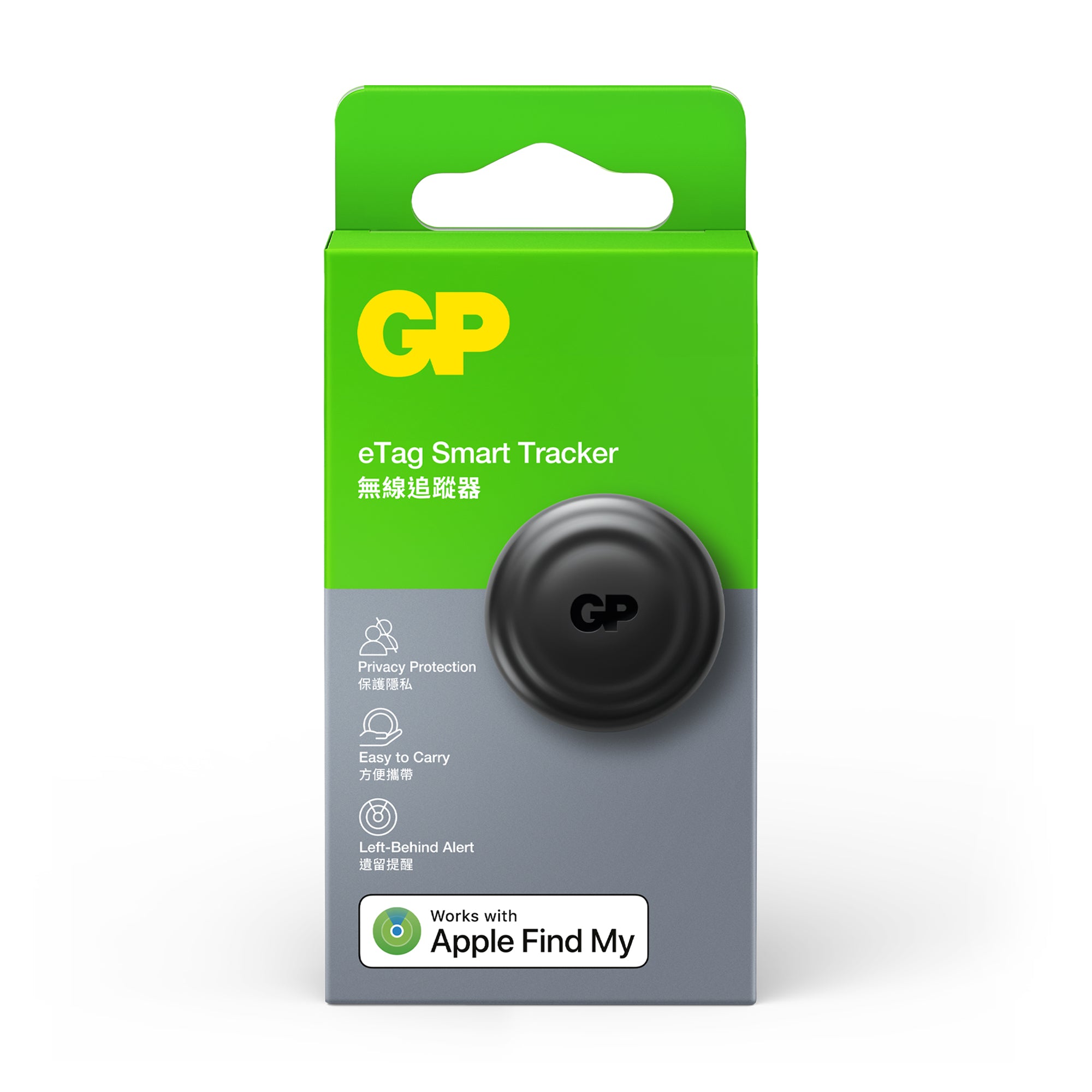
Keep track of your luggage or personal items with the GP eTag. It’s perfect for safely managing your stuff, kids’ belongings, and for travellers on the move. Find where you’ve left your belongings with ease.

Long life, high-performance battery
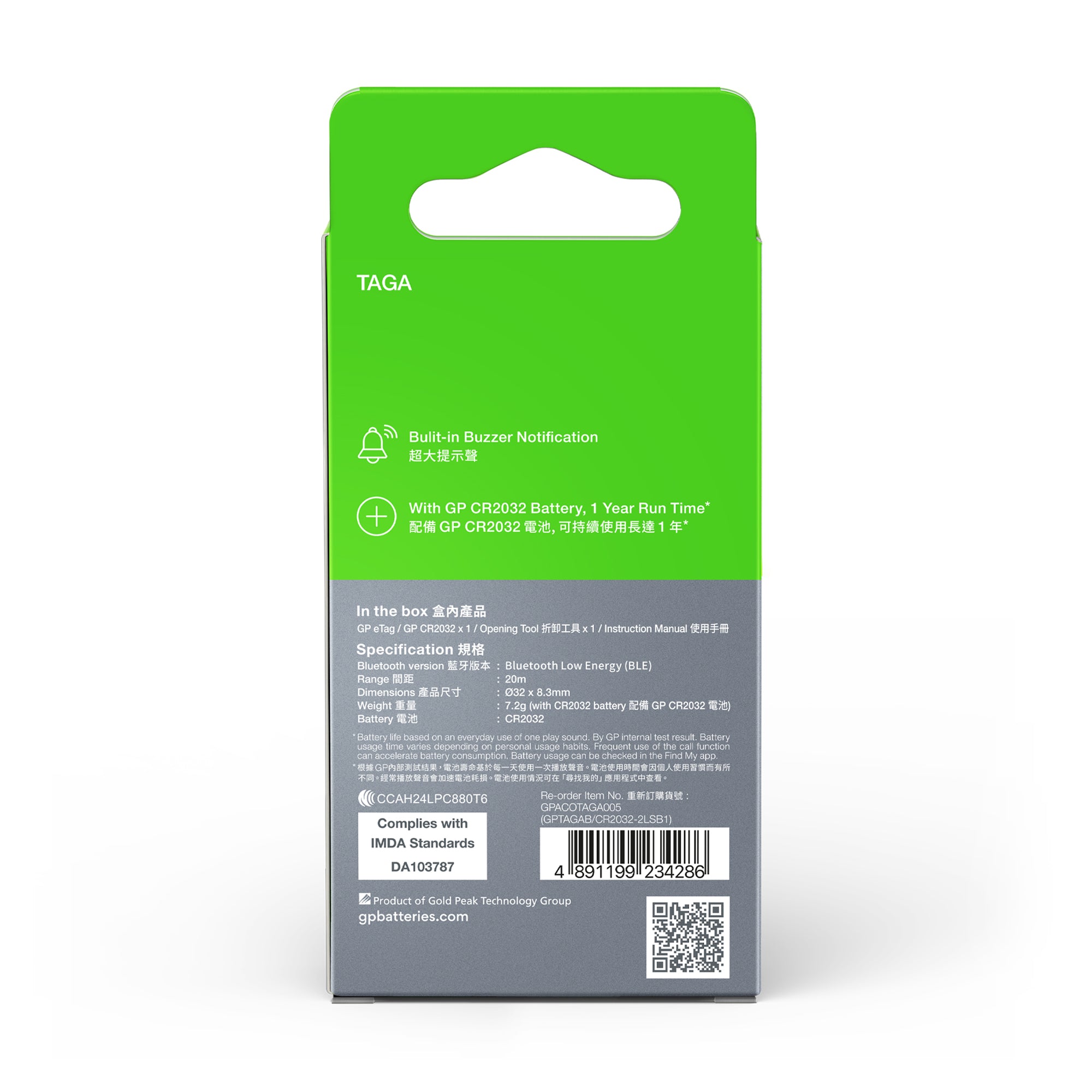
Bundled with GP’s CR2032 coin battery, the eTag has a runtime of up to 12 months, with 26uA power consumption. Designed for your safe and reliable use.

Works with Apple Find My
MFI-certified with a user-friendly design and size similar to Apple’s AirTag, the GP eTag comes with a built-in lanyard hole, so you can pair it with your existing Apple AirTag accessories or your own lanyard.

Built-in Loud Buzzer
Locate and find your lost item with the eTag’s built-in buzzer. At ~70dB, you’ll be able to hear it buzzing. If you’ve lost your keys or wallet, follow the sound and your search is over.

FAQs
Our guides to help
eTag not working
eTag not pairing
eTag location not updating
Did you try to update to the latest iOS 18 version? Apple continuously updates the iOS version which may help to fix unexpected glitches for the eTag.

Follow the steps below to enable "Find My":
Go to setting -> Click on [Your Iphone account name] -> Click on Find My -> Turn on [Find My iPhone]

It needs to be enabled so that eTag can work with. Following below to turn on Location Services; Setting -> Privacy -> Location Services

Did you turn on Bluetooth, Wifi and Cellular Network ? You have to turn on Bluetooth, Wifi and Cellular Network in order to work with eTag. It’s also recommended to reboot the iPhone after setting up.

Did you turn on Location Services? It needs to be enabled so that eTag can work with. Following below to turn on Location Services;
Setting -> Privacy -> Location Services
Also check if you enabled Location Services access for "Find My" App. Go to Settings > Privacy > Location Services > Find My Choose "While using the App" and turn on the "Precise Location" as well.

You will need to open the battery cover and reinsert the battery again. Once you hear a “beep” sound, the eTag is ready for pairing with iOS device again. Please make sure to pair within 10 minutes.
• Use provided tool, push into pin hole to pop up battery cover
• Re-install the battery cover and close the battery cover

Insert provide tool/ paper clip pin into the hole, the battery cover will bounce to open.
Reset GP eTag
1. Reinstall the battery once you hear a "beep" sound and remove the battery immediately.
2. Repeat the operation for five times and once there is a different prompt sound, it indicates that the eTag is being reset.


Specifications
Bluetooth Low Energy (BLE)
20M
Apple device only; iPhone and iPod touch models with iOS 14.5 or later; iPad models with iPadOS 14.5 or later; iMac and MacBook with macOS 12.5 or later.
Ø32 x 8.3mm
7.2g (with CR2032 battery)
CR2032
*Battery life based on an everyday use of one play sound. By GP internal test result. Battery usage time varies depending on personal usage habits. Frequent use of the call function can accelerate battery consumption. Battery usage can be checked in the Find My app.
